

Visitor reception: secure access to your buildings
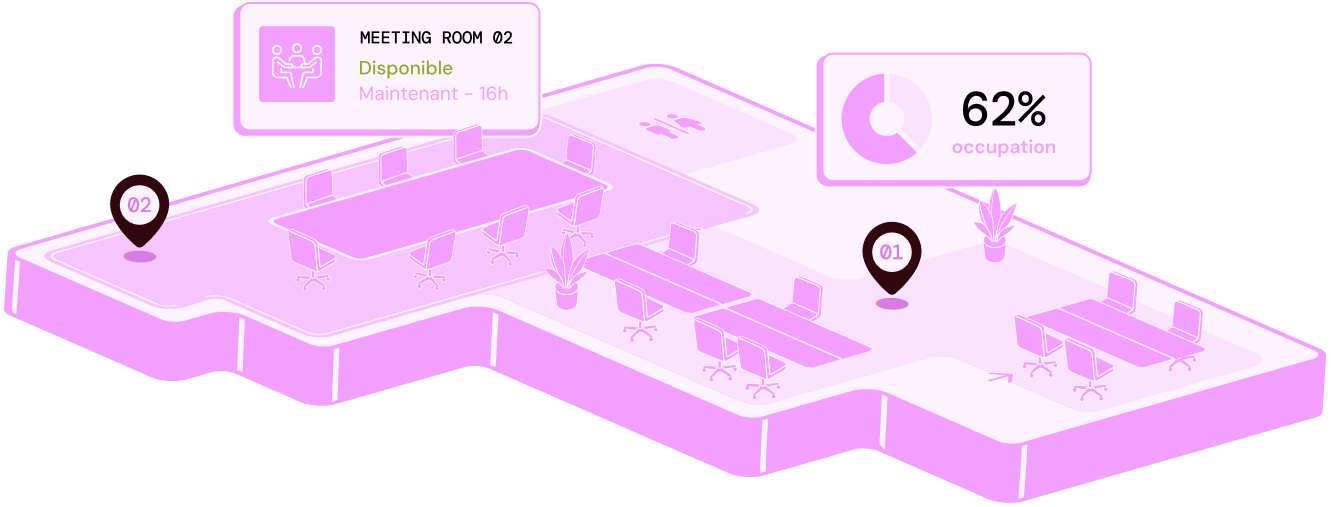
SECURING VISITOR RECEPTION
Approximately 1,500 vital sites in France
including factories, data centres and administrative buildings, are operated by organisations essential to national continuity (SGDSN). 01
0126%
of businesses cite external or internal theft as the main threat behind their physical-security strategy (Securitas Technology).
 02
02EUR 15,000
estimated average cost of one physical-security incident
 03
036 months
to review procedures and keep the security register current as part of site-safety obligations
DESIGNED TO SECURE EVERY SITE
Five actions to strengthen identity checks and access security.
Security starts before reception, with reliable identity verification, controlled badge issuance and rights adapted by zone. Everything is managed in one interface, integrated with your SSO, LDAP or SAML setup, with no custom development and no extra accounts.
Day to day
Badge creation in a few clicks
Photo, validity period and authorised zones are defined at creation time, with no specialist printer required.
SSO, LDAP and SAML integration
No extra accounts to create and no manual synchronisation of permissions.
Immediate badge deactivation
A lost or stolen badge can be disabled remotely in one action, without waiting for replacement.
Host notification on visitor arrival
The host receives an alert on mobile as soon as their visitor checks in at reception.
Traceability of every visit
Every timestamped entry and exit remains available for checks or internal audits.
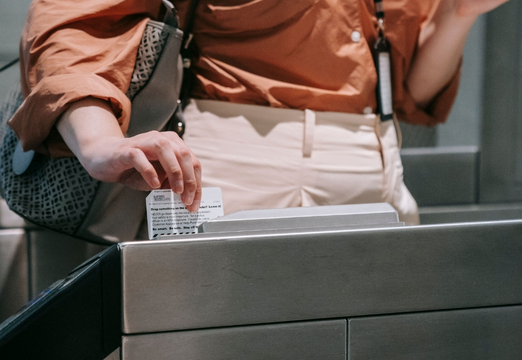
Security for sensitive sites: identity checks and access traceability


Why choose Hamilton Apps to secure your buildings
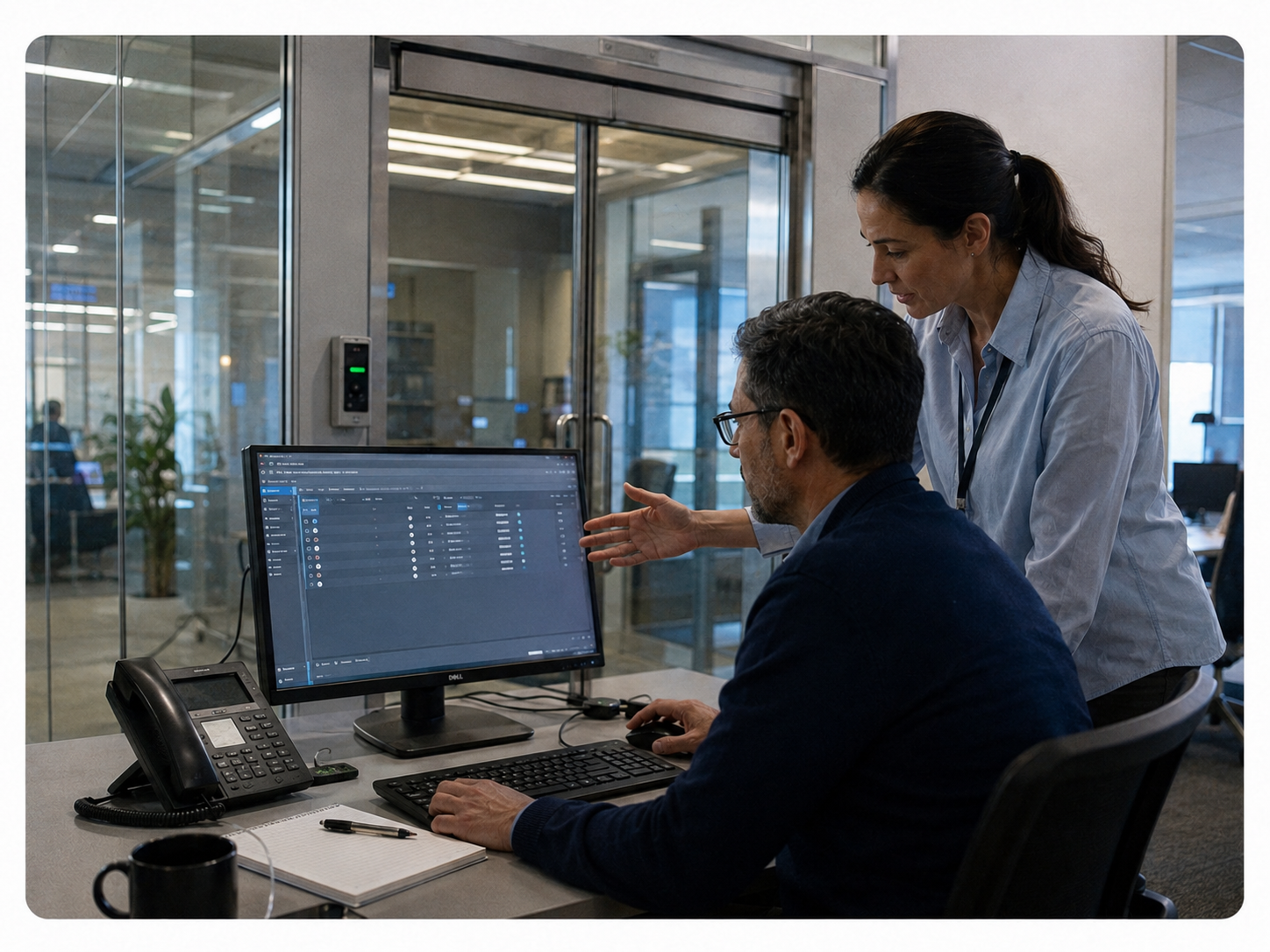
Event traceability: raise security levels across your sites
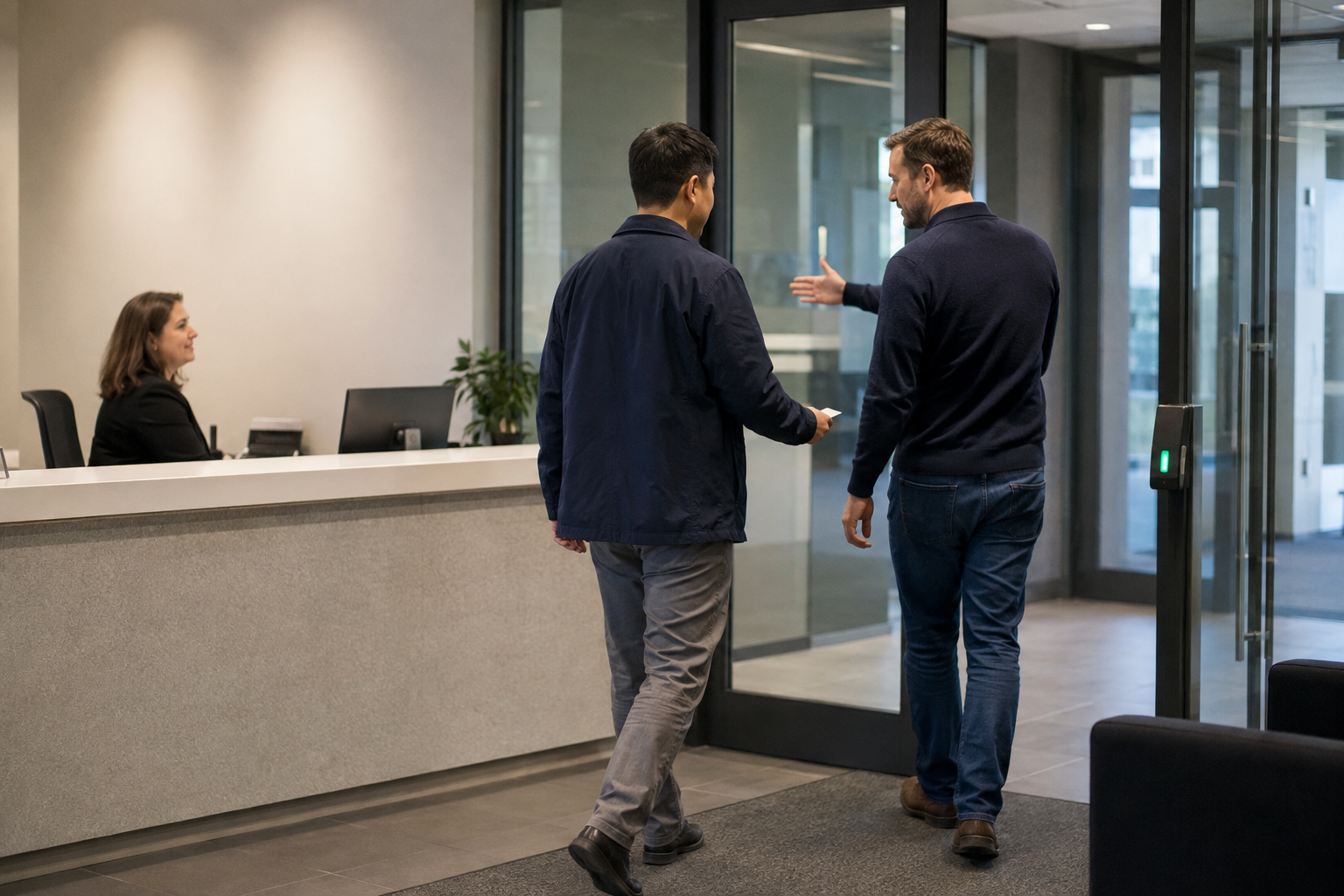
Secure visitor reception without making the journey more complex
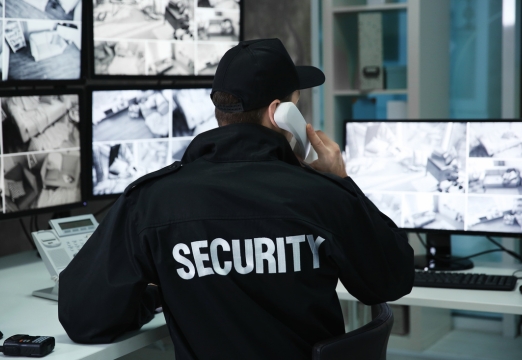
Secure reception and improve site-wide security
Related features
Book a demoHow does meeting room booking software prevent double bookings?
All rooms share a single reference calendar that is updated in real time. If someone requests a time slot that is already booked, the request is declined or flagged to the organiser, who is shown similar rooms available at the same time.
Does the software integrate with Outlook and Teams?
Yes. You can add a room directly from an Outlook or Teams invitation without entering the details twice. It appears in every participant's calendar, the video meeting link is added automatically, and any changes or cancellations are synchronised both ways.
How long does it take to deploy a meeting room booking system?
The timeline depends on the number of sites and rooms, as well as the integrations you need. We provide a tailored estimate during the demonstration once we understand the scope of your project.
Can I book a room from a mobile or a tablet outside the room?
Yes. You can book from a computer, mobile or tablet installed at the room entrance. The on-site display shows the room's current status and lets you book the next time slot in seconds.
What happens if someone does not turn up for a booked room?
An unconfirmed booking can be released automatically after a period that you define. The room then becomes available to other teams, while the rate of unattended bookings remains visible in your occupancy analytics.
How can I see Outlook and Teams synchronisation and conflict alerts working with my rooms?
Request a demonstration and we will recreate the journey using a representative selection of your sites and rooms, including Microsoft 365 synchronisation.