

Space management: align flex office and hybrid working
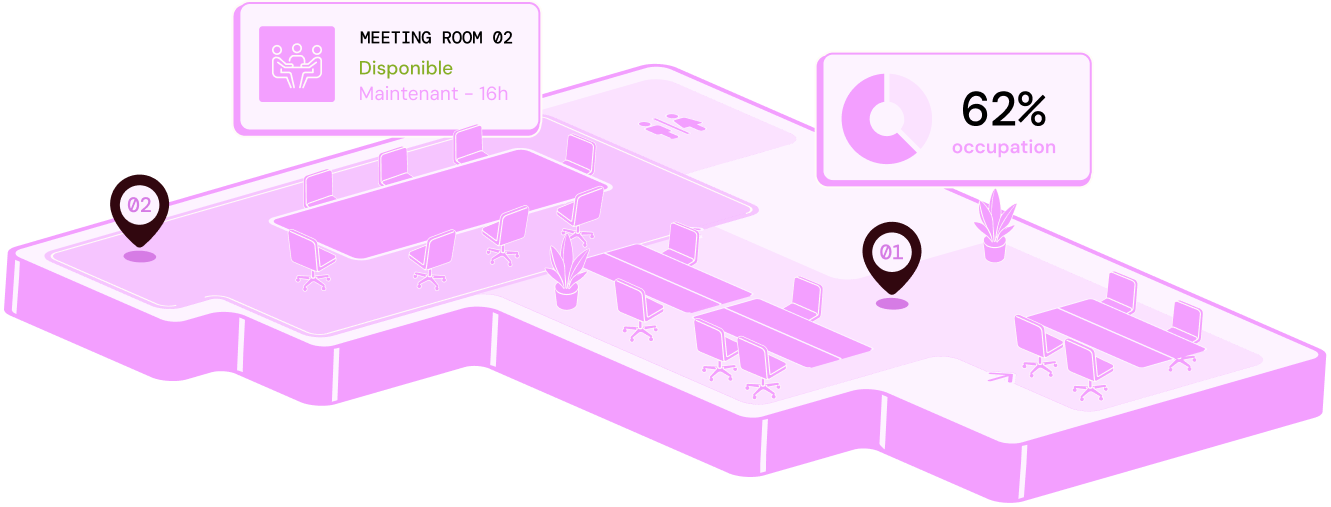
Manage your flex-office spaces
USD 31.75 billion by 2032
is the projected value of the flexible-office market in the United States (Fortune Business Insights). 01
01EUR 45/m2/month
Average office cost in the Paris region (Leosquare, 2026)
 02
0250%
Estimated share of hybrid meetings based on remote-work rates in France (Malakoff Humanis, 2024).
 03
03-22% consumption
Target energy saving linked to occupancy-led room management (attributed to Schneider Electric, March 2025).
DESIGNED TO OPTIMISE FLEX OFFICE
Five benefits to simplify space management in hybrid work
With hybrid work and flex office, desk occupancy varies every day. A fit-for-purpose space-management approach helps you anticipate change, improve the workplace experience and reduce property costs over time.
Day to day
Real-time occupancy
Track utilisation rates by floor, building or site at any time.
Centralised floor plans
Visualise and administer each site from one map.
Availability at a glance
See free desks, rooms and zones instantly from anywhere.
Hosted in France, integrated with your IT stack
SSO and corporate directory integration, with no extra accounts.
Aggregated data, never individual tracking
Statistics by area or team, never attached to a named individual.
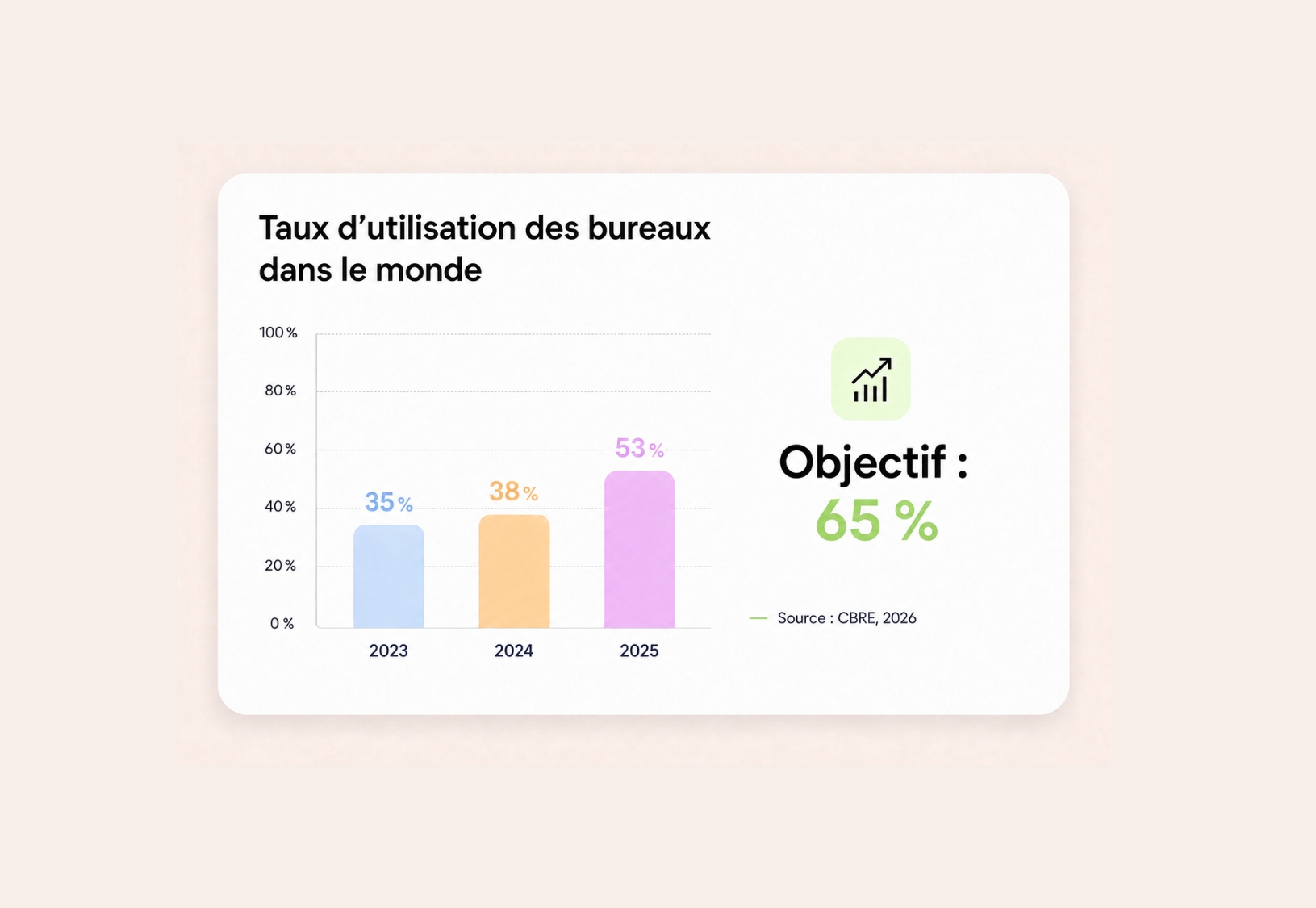
Space management: identify underused desks and rooms


Why choose Hamilton Apps for workplace space management
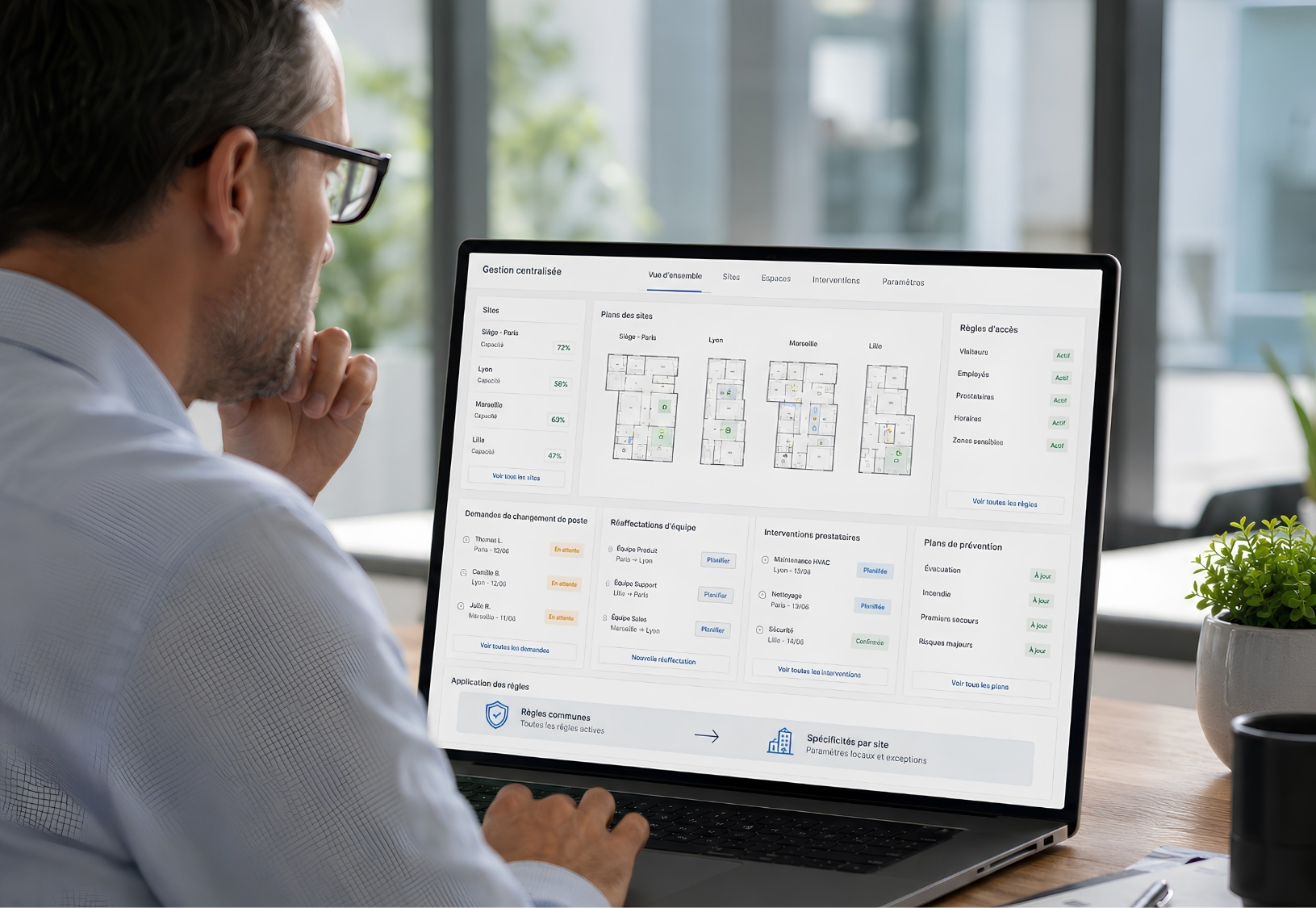
Space management: control your sites and floor plans from one interface
Configure your flex-office setup without technical skills
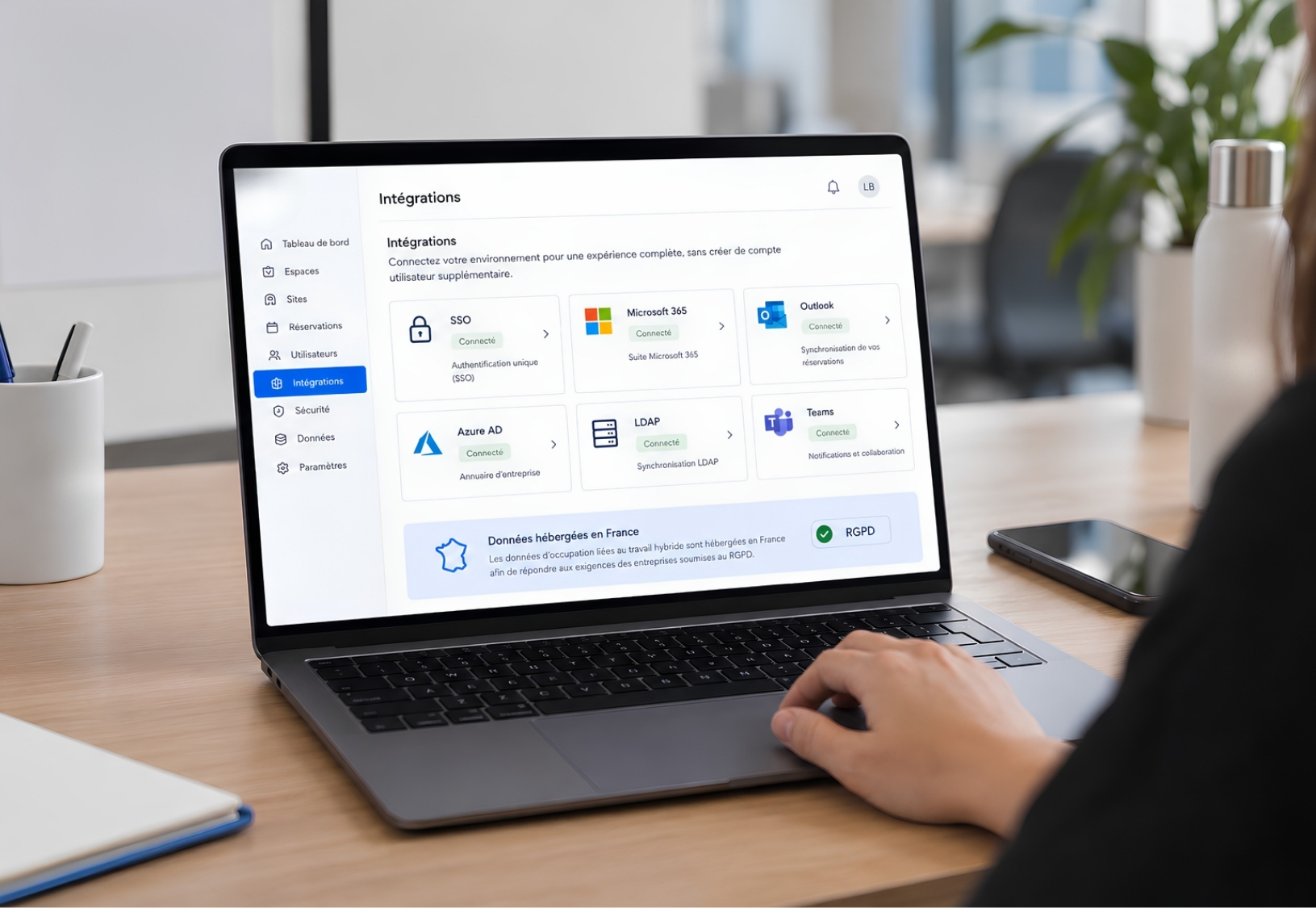
Flex office: integration designed for IT teams
Related features
Book a demoHow does meeting room booking software prevent double bookings?
All rooms share a single reference calendar that is updated in real time. If someone requests a time slot that is already booked, the request is declined or flagged to the organiser, who is shown similar rooms available at the same time.
Does the software integrate with Outlook and Teams?
Yes. You can add a room directly from an Outlook or Teams invitation without entering the details twice. It appears in every participant's calendar, the video meeting link is added automatically, and any changes or cancellations are synchronised both ways.
How long does it take to deploy a meeting room booking system?
The timeline depends on the number of sites and rooms, as well as the integrations you need. We provide a tailored estimate during the demonstration once we understand the scope of your project.
Can I book a room from a mobile or a tablet outside the room?
Yes. You can book from a computer, mobile or tablet installed at the room entrance. The on-site display shows the room's current status and lets you book the next time slot in seconds.
What happens if someone does not turn up for a booked room?
An unconfirmed booking can be released automatically after a period that you define. The room then becomes available to other teams, while the rate of unattended bookings remains visible in your occupancy analytics.
How can I see Outlook and Teams synchronisation and conflict alerts working with my rooms?
Request a demonstration and we will recreate the journey using a representative selection of your sites and rooms, including Microsoft 365 synchronisation.