

Corporate seminars: welcome participants with a smooth check-in journey
Key benefits
Five benefits of visitor-group management
When you anticipate participant volume, you can size reception resources accurately without systematic reinforcement. Here are five concrete benefits for event operations. Participants collect their badges without waiting.
Day to day
Seminar participant pre-registration
Pre-registering visitors in larger groups makes reception smoother.
Real-time view of arrivals
Track how many participants are already registered at any point, before and during the event.
QR code scan at reception
Pre-registered visitors scan their QR code independently on arrival.
Host notifications
When a visitor arrives, the relevant host receives an alert in Teams or by email.
Custom event badges
Badges can be customised with photo, logo and event branding.

300 participants: up to four hours saved during visitor reception


A seminar is prepared before arrivals begin, not during check-in
From registration to visitor reception in four steps
How does meeting room booking software prevent double bookings?
All rooms share a single reference calendar that is updated in real time. If someone requests a time slot that is already booked, the request is declined or flagged to the organiser, who is shown similar rooms available at the same time.
Does the software integrate with Outlook and Teams?
Yes. You can add a room directly from an Outlook or Teams invitation without entering the details twice. It appears in every participant's calendar, the video meeting link is added automatically, and any changes or cancellations are synchronised both ways.
How long does it take to deploy a meeting room booking system?
The timeline depends on the number of sites and rooms, as well as the integrations you need. We provide a tailored estimate during the demonstration once we understand the scope of your project.
Can I book a room from a mobile or a tablet outside the room?
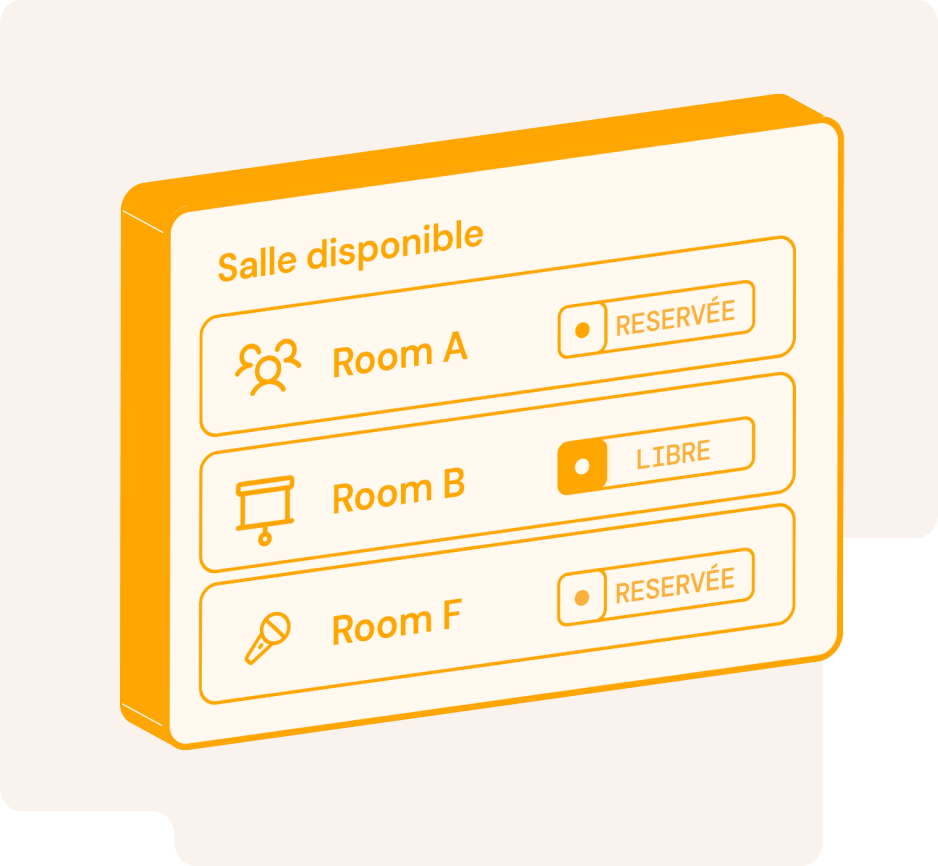
Yes. You can book from a computer, mobile or tablet installed at the room entrance. The on-site display shows the room's current status and lets you book the next time slot in seconds.
What happens if someone does not turn up for a booked room?
An unconfirmed booking can be released automatically after a period that you define. The room then becomes available to other teams, while the rate of unattended bookings remains visible in your occupancy analytics.
How can I see Outlook and Teams synchronisation and conflict alerts working with my rooms?
Request a demonstration and we will recreate the journey using a representative selection of your sites and rooms, including Microsoft 365 synchronisation.