

Desk booking software to reserve desks in seconds
Key benefits
Five measurable effects of desk booking in flexible office operations
Adjusting to 0.7 shared desk per employee in a 300-desk portfolio can release 90 desks, equivalent to about 900 m2 using a 10 m2 benchmark per workstation (ARSEG). At an average Paris rent of EUR 45 per m2 per month, that can represent more than EUR 480,000 per year. Across one group, booking processes are harmonised on every site, so teams use the same workflow everywhere.
Day to day
One-click booking
Book your desk from mobile or desktop, the day before or on the same day.
Synchronised with Outlook and Teams
Your booked desk appears in your calendar automatically, with no duplicate entry.
Standardised across all sites
The same booking action applies regardless of building or location.
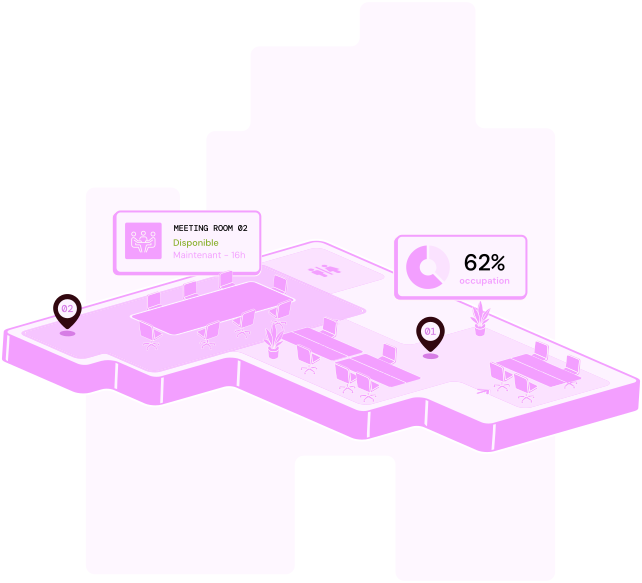
Real-time occupancy control
Track occupancy rates by floor or by site at any time.
Aggregated data, not individual tracking
Data remains grouped by team or area and is never tied to a named individual.
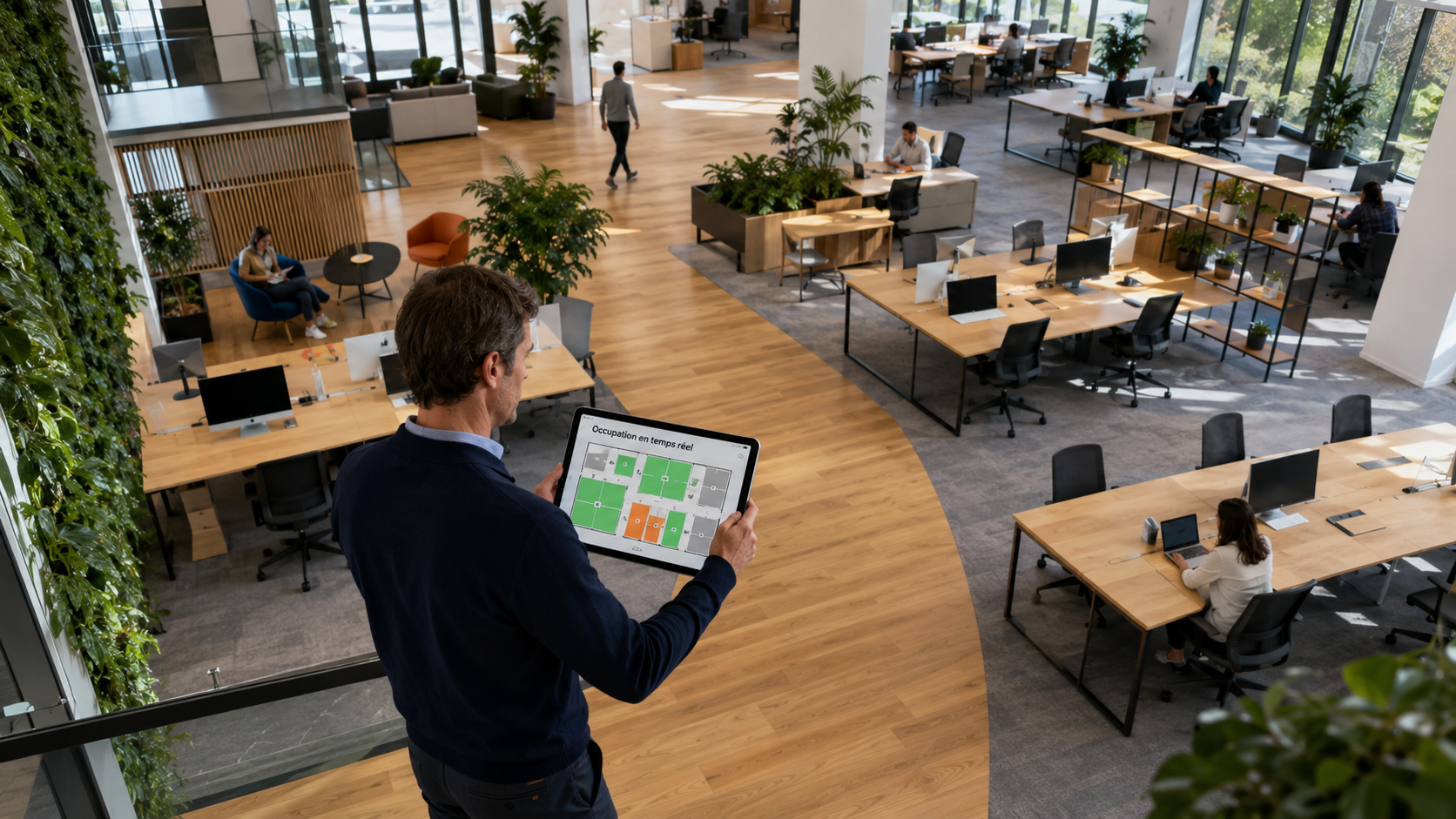
Real-time occupancy analytics


Finding an available desk should not be a daily challenge
Adopted daily, easy without training
How does meeting room booking software prevent double bookings?
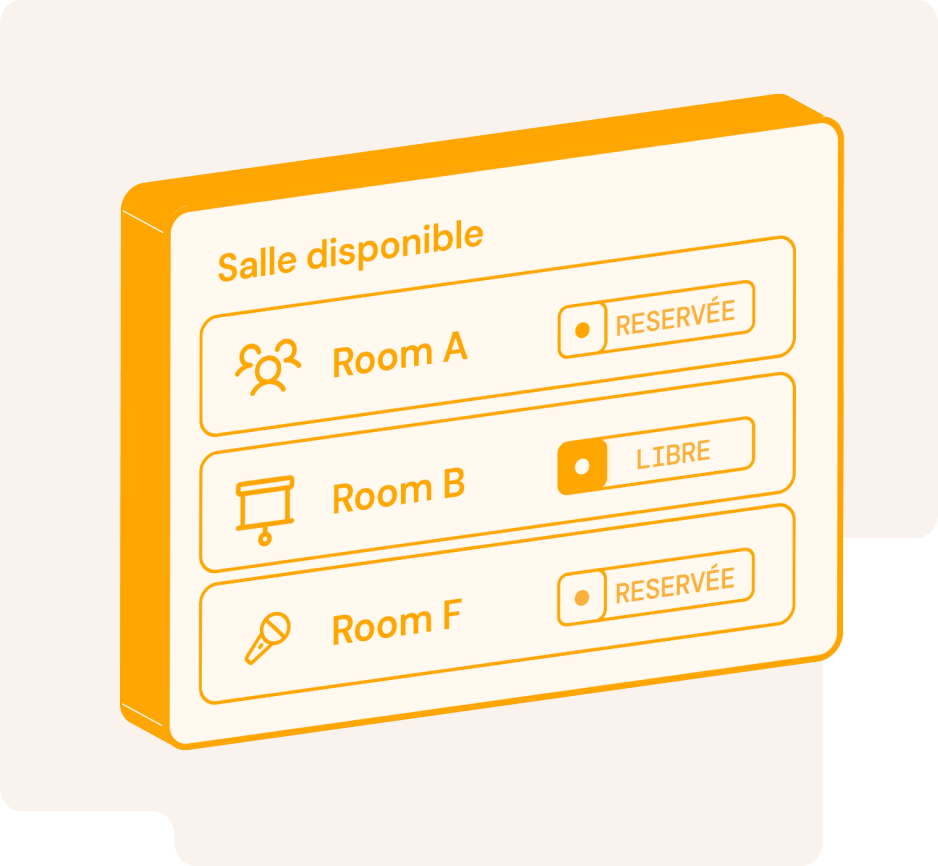
All rooms share a single reference calendar that is updated in real time. If someone requests a time slot that is already booked, the request is declined or flagged to the organiser, who is shown similar rooms available at the same time.
Does the software integrate with Outlook and Teams?
Yes. You can add a room directly from an Outlook or Teams invitation without entering the details twice. It appears in every participant's calendar, the video meeting link is added automatically, and any changes or cancellations are synchronised both ways.
How long does it take to deploy a meeting room booking system?
The timeline depends on the number of sites and rooms, as well as the integrations you need. We provide a tailored estimate during the demonstration once we understand the scope of your project.
Can I book a room from a mobile or a tablet outside the room?
Yes. You can book from a computer, mobile or tablet installed at the room entrance. The on-site display shows the room's current status and lets you book the next time slot in seconds.
What happens if someone does not turn up for a booked room?
An unconfirmed booking can be released automatically after a period that you define. The room then becomes available to other teams, while the rate of unattended bookings remains visible in your occupancy analytics.
How can I see Outlook and Teams synchronisation and conflict alerts working with my rooms?
Request a demonstration and we will recreate the journey using a representative selection of your sites and rooms, including Microsoft 365 synchronisation.